Free monthly shift schedule template (Excel & Google Sheets)
Enter the year and month, list your staff and pick a shift for every day from the dropdown. The roster colours each shift, totals each person’s work days and hours, and shows how many people are on each shift every day.
Last updated: · By Furkan Çetinkaya · About & Methodology
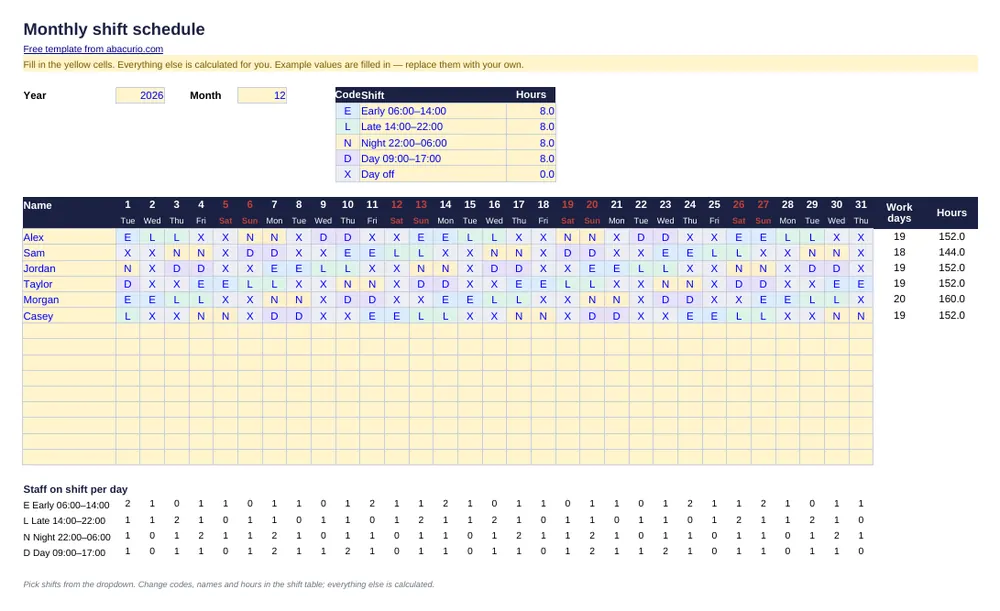
Monthly shift schedule
Download template (11 KB)Printable PDF (35 KB)The file contains only formulas and example numbers — no macros, no links, nothing that connects to the internet.
What's inside
- Up to 15 employees × 31 days
- Dropdown shift codes with colours
- Work days and hours per person
- Staff count per shift for every day
Prefer pen and paper? The printable PDF is the same layout, empty and ready to fill in by hand.
Inside the file
Sheet “Shift schedule”
205 cells to fill in, 220 formulas
Columns and sections: Code · Shift · Hours · Name · Work days
Common questions
Can I change the shifts?
Yes. Edit the codes, names and paid hours in the shift table at the top; the dropdown, colours and totals follow.
How do I start a new month?
Copy the sheet, then change the year and month cells. Dates and weekdays update; clear the shift cells and fill in the new month.
Is there a printable version?
Yes — download the printable PDF next to the Excel button. It has the same layout, left empty so you can fill it in by hand.
More free templates
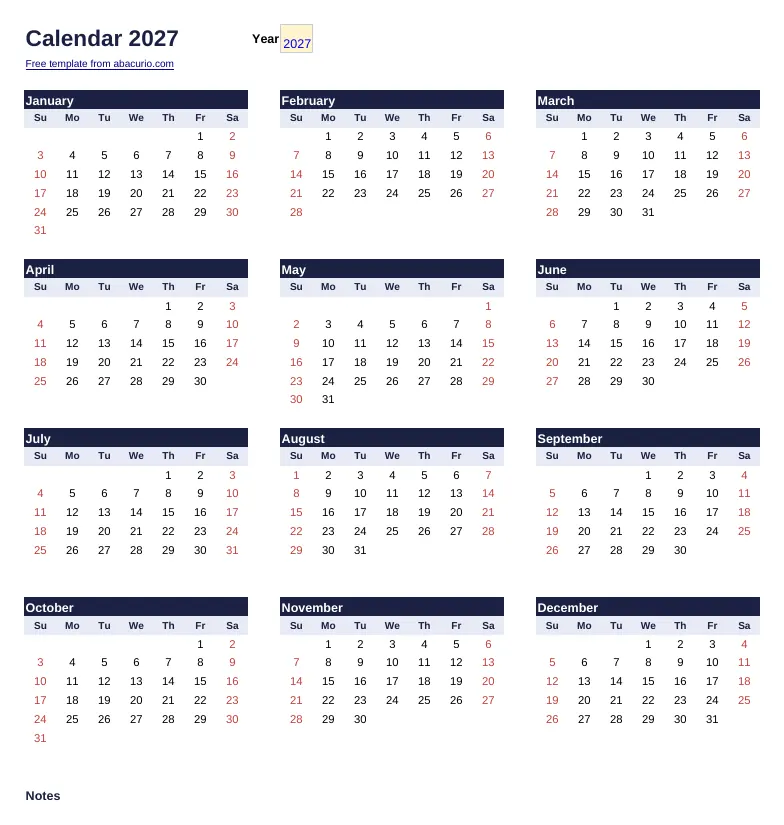 2027 calendarPrintable yearly calendar with week numbers — change the year in one cell.
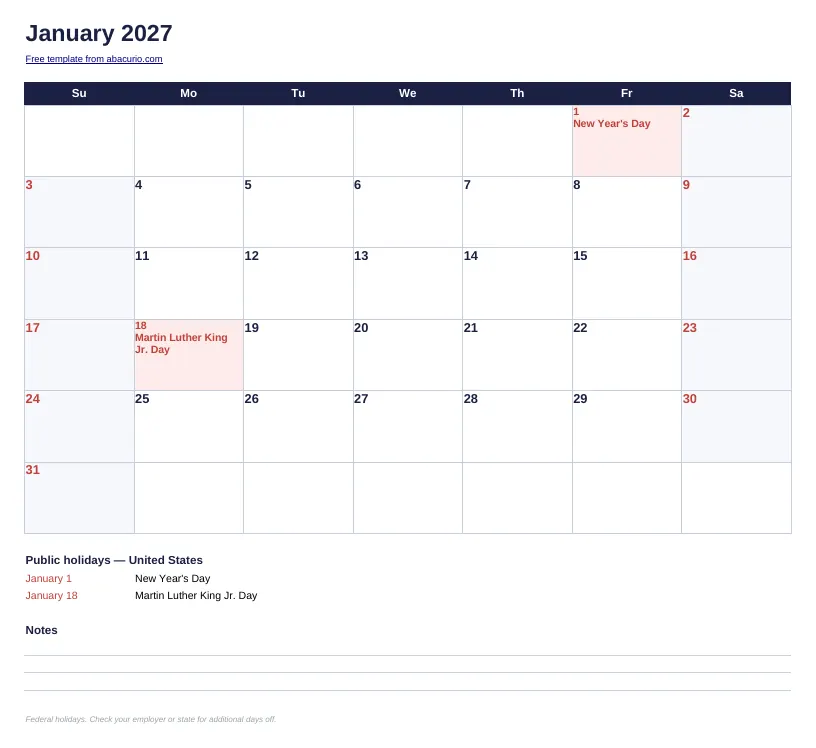 2027 monthly calendar with holidaysOne month per page, US federal holidays marked. Excel, Google Sheets and printable PDF.
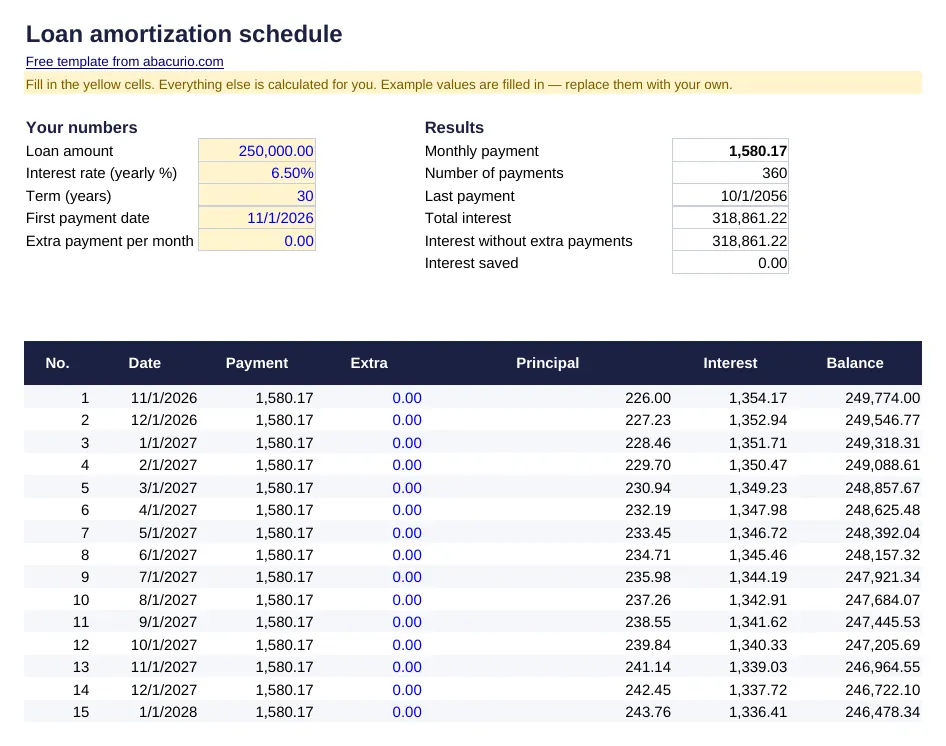 Loan amortization scheduleMonthly payment, full schedule and the effect of extra payments.
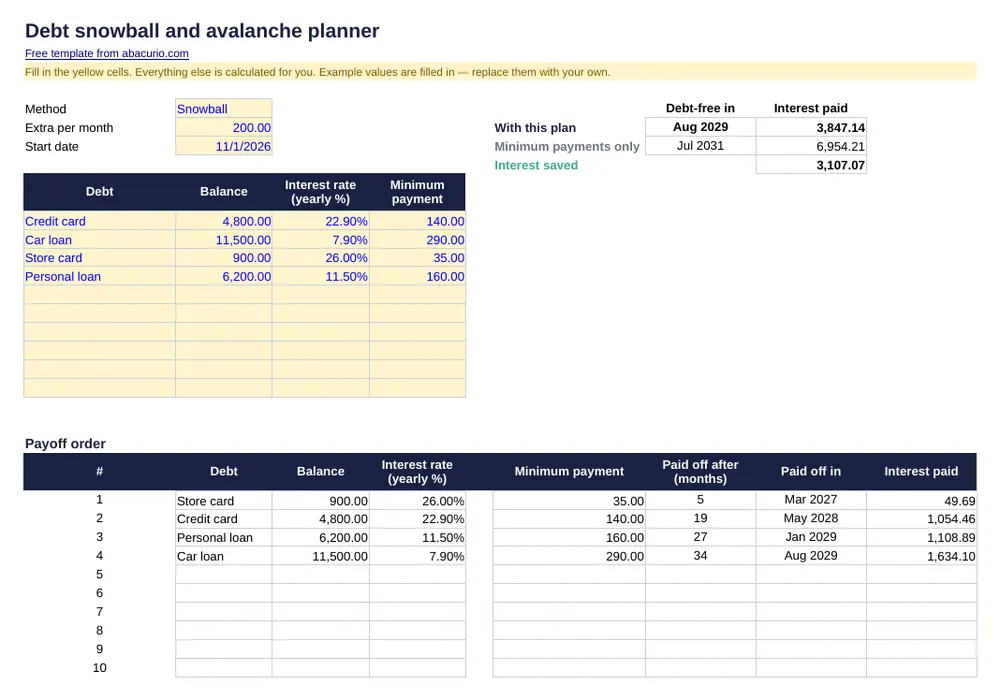 Debt snowball and avalanche plannerPayoff order, dates and interest for up to 10 debts.
Ads on this page help keep Abacurio and these templates free. Thank you for your support.