Free small business income and expense template
A simple profit and loss sheet for freelancers, shops and side businesses. Enter income and costs each month; gross profit, net profit and profit margin are calculated for every month and the whole year.
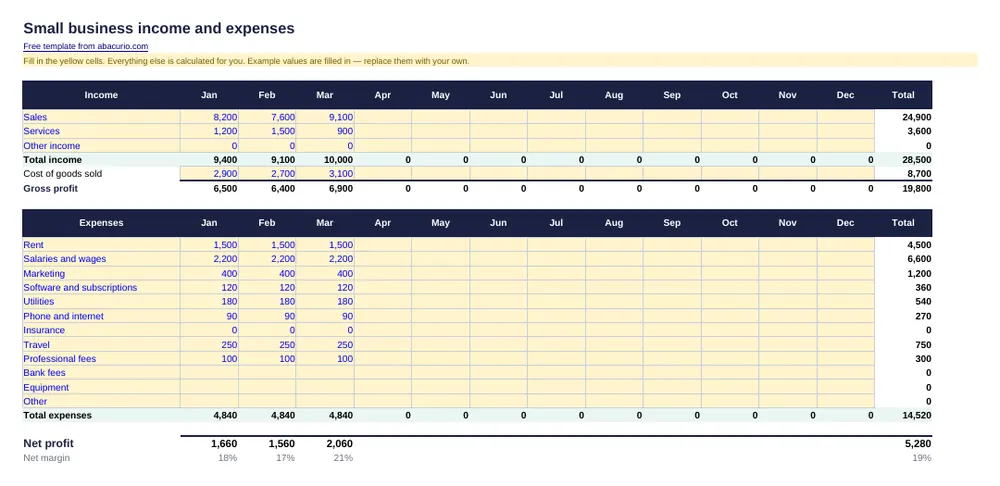
Small business income and expenses
Download template (8 KB)Printable PDF (25 KB)The file contains only formulas and example numbers — no macros, no links, nothing that connects to the internet.
What's inside
- Three income lines and cost of goods sold
- 12 expense categories you can rename
- Gross profit, net profit and margin per month
- Year totals and losses highlighted in red
Prefer pen and paper? The printable PDF is the same layout, empty and ready to fill in by hand.
How to use it in Excel
- Open the downloaded file. If Excel shows a yellow Protected View bar, click Enable Editing — the file has no macros.
- Type over the example values in the yellow cells. Formulas, totals and charts update by themselves.
- Save it under a new name, for example with the month or year, to keep a history.
How to use it in Google Sheets
- Download the .xlsx file with the button above.
- Open Google Drive, choose New → File upload and pick the file.
- Double-click it in Drive and choose Open with Google Sheets — or in Sheets use File → Import → Upload. All formulas keep working.
- Use File → Make a copy to keep a fresh version for each month or year.
Common questions
What is the difference between gross and net profit?
Gross profit is sales minus the direct cost of what you sold. Net profit also subtracts running costs such as rent, software and marketing.
Is this suitable for my tax return?
It is a good record to start from, but tax rules differ by country — give it to your accountant or check what your tax office requires.
Is there a printable version?
Yes — download the printable PDF next to the Excel button. It has the same layout, left empty so you can fill it in by hand.
Is this template really free?
Yes. It is free for personal and business use, with no sign-up or email required. Ads on this page keep the site free.
Does it work in Google Sheets and on a Mac?
Yes. The .xlsx file opens in Microsoft Excel (Windows and Mac), Google Sheets, Apple Numbers and LibreOffice Calc, and all formulas keep working.
Is the file safe?
It contains only cells and formulas — no macros, no links to other files and nothing that connects to the internet.
More free templates
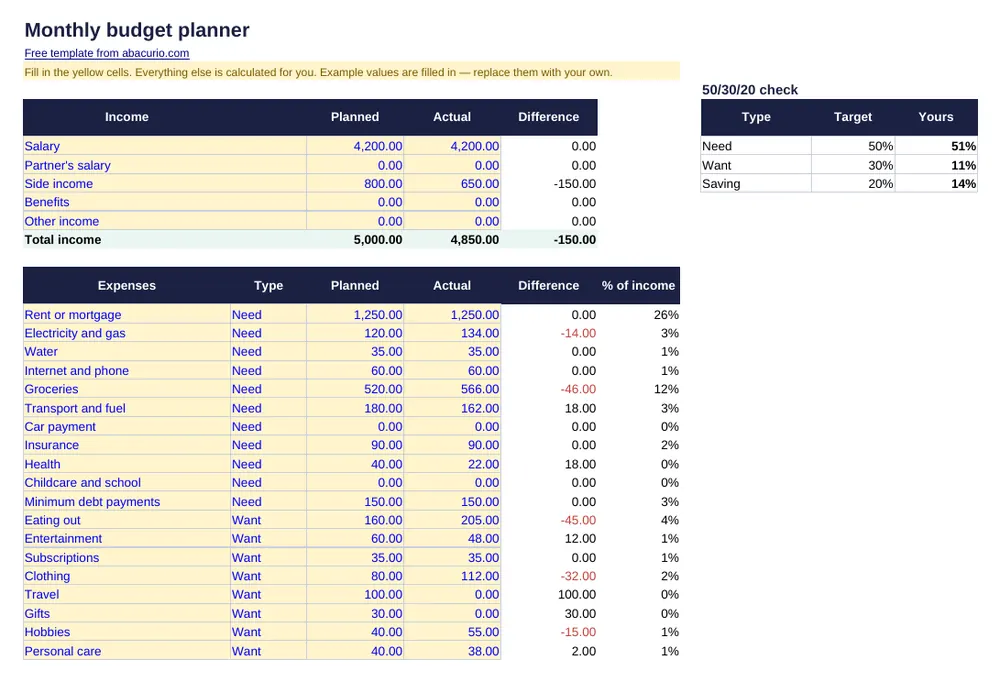 Monthly budget plannerPlanned vs actual spending by category, with a 12-month overview.
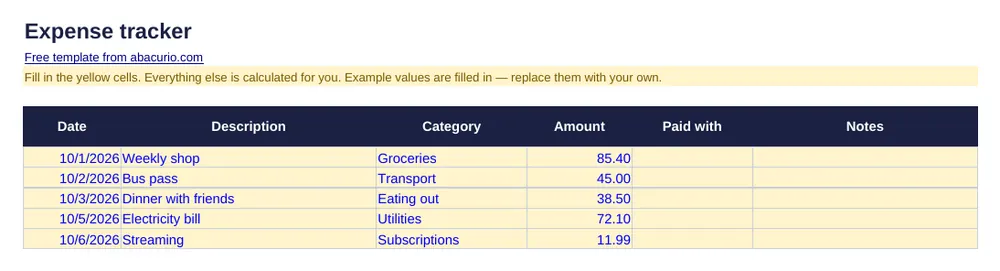 Expense trackerLog every purchase; totals by category and month appear automatically.
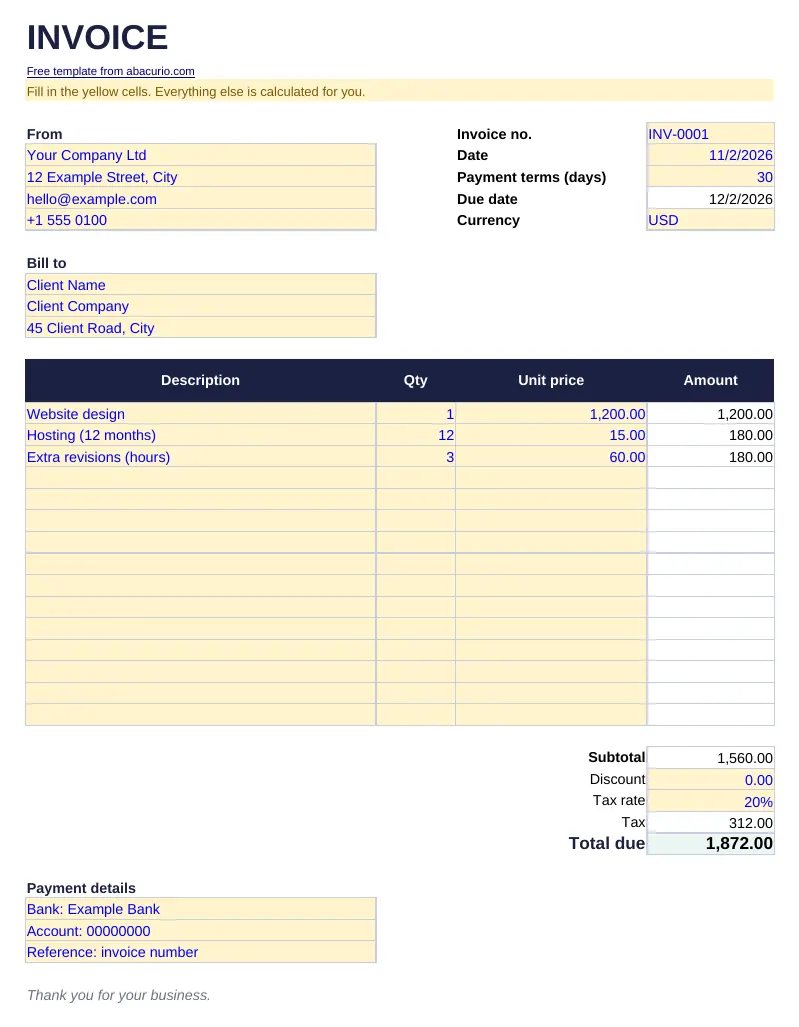 Invoice templateProfessional invoice with automatic totals, tax and due date.
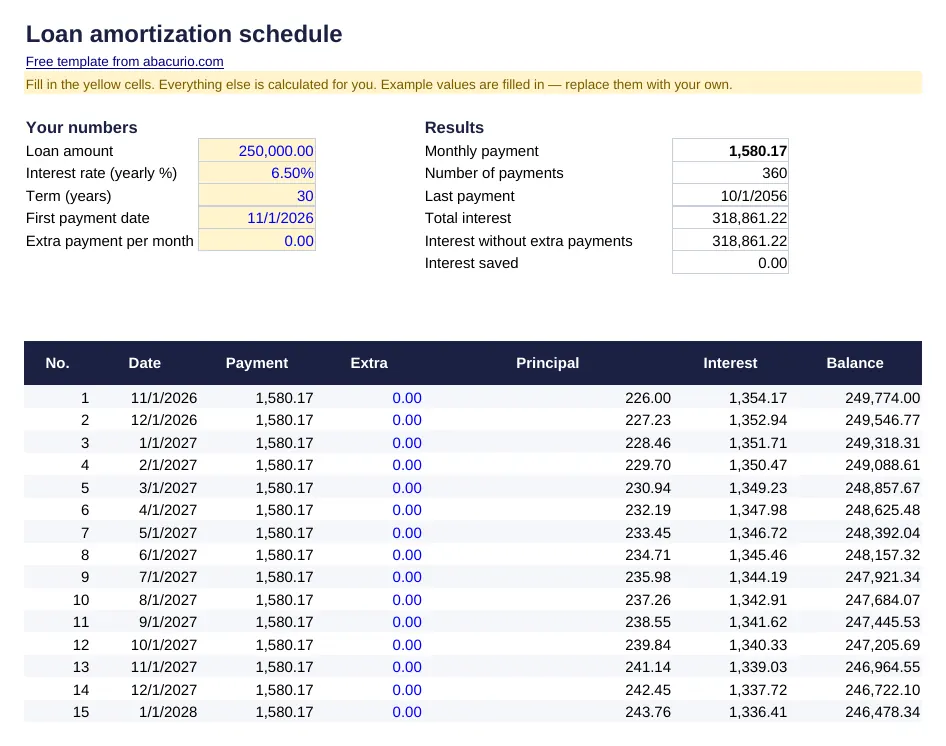 Loan amortization scheduleMonthly payment, full schedule and the effect of extra payments.
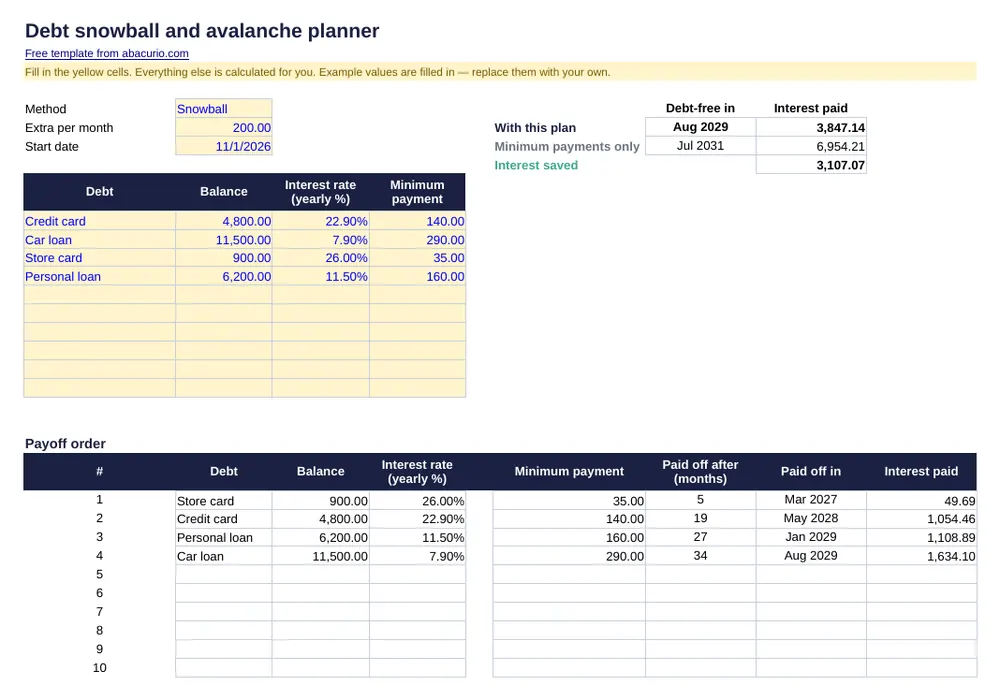 Debt snowball and avalanche plannerPayoff order, dates and interest for up to 10 debts.
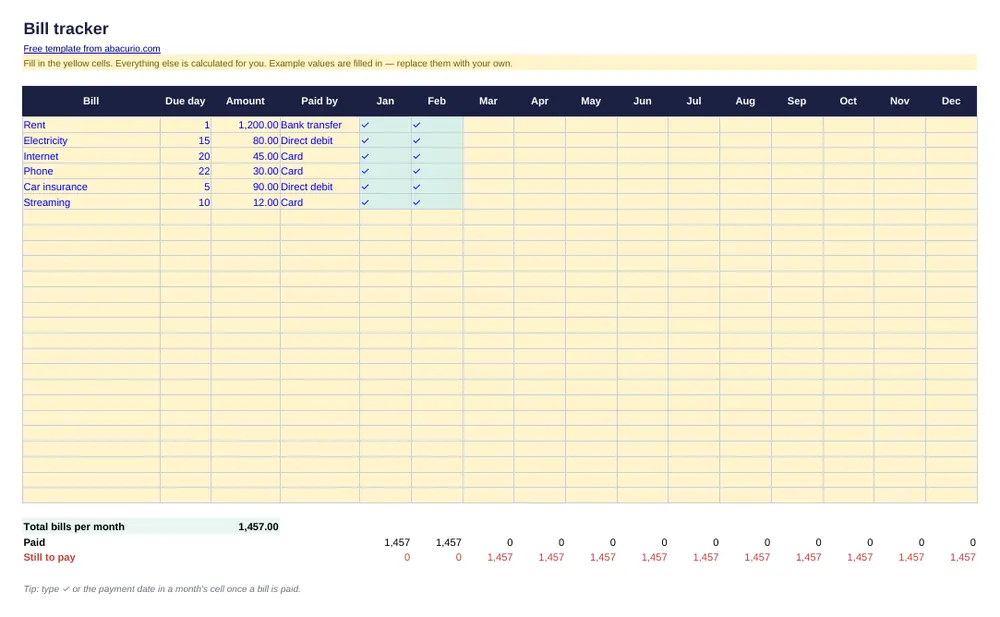 Bill trackerMonthly bills with due dates and a tick for each month paid.
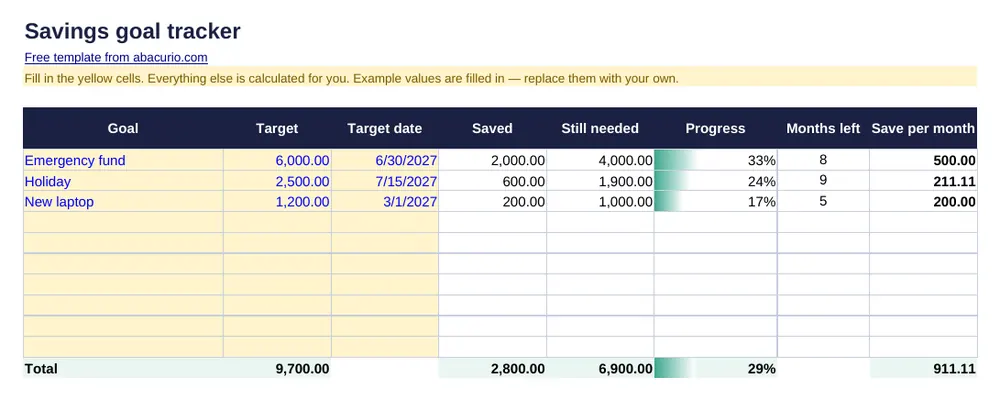 Savings goal trackerTrack up to 10 goals: progress bars and the monthly amount still needed.
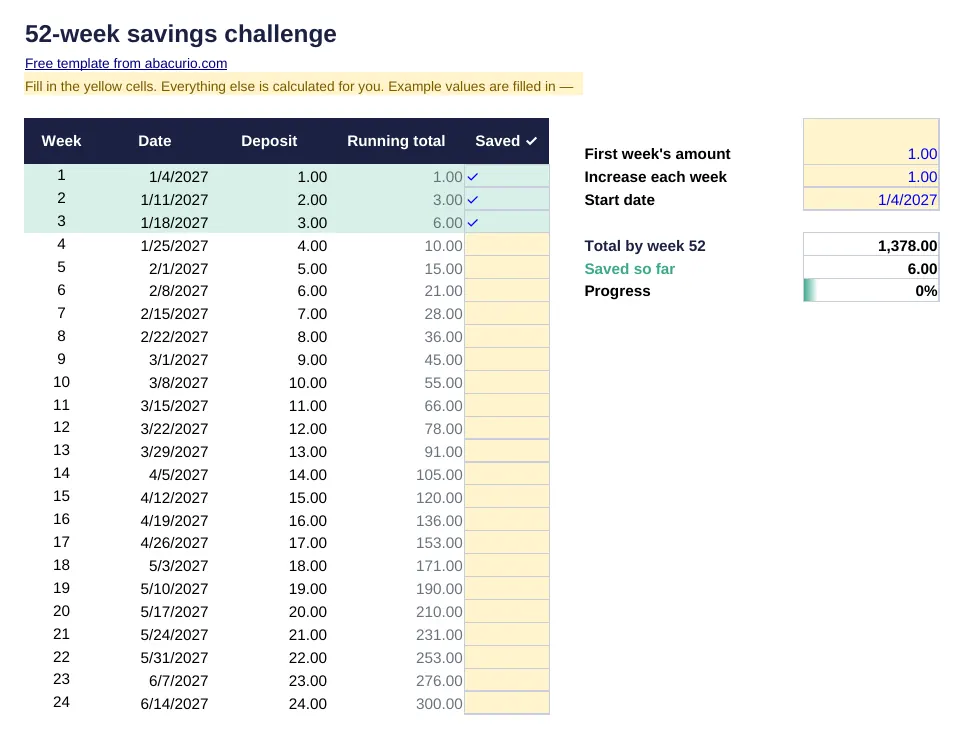 52-week savings challengeSave a little more each week for a year — with a tracker and progress bar.
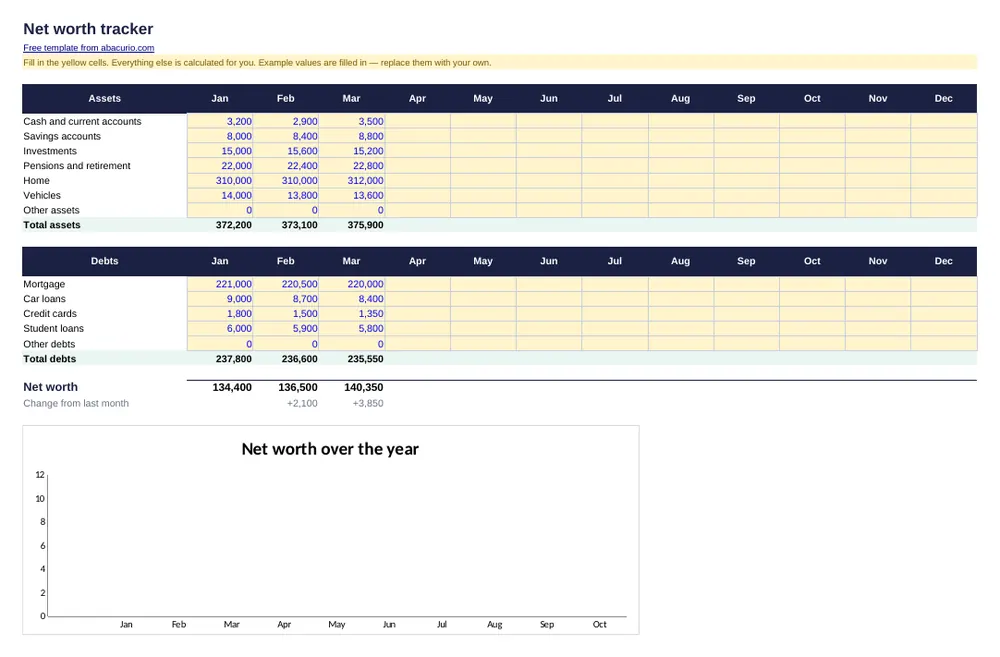 Net worth trackerAssets minus debts, month by month for a year, with a chart.
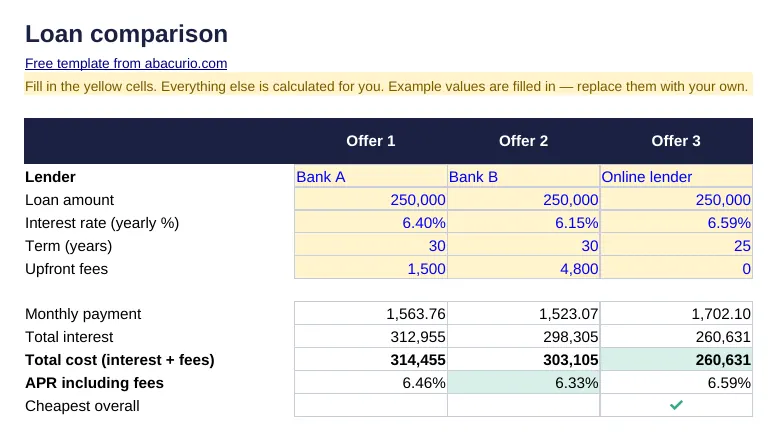 Loan comparisonThree loan offers side by side: payment, total cost and APR with fees.
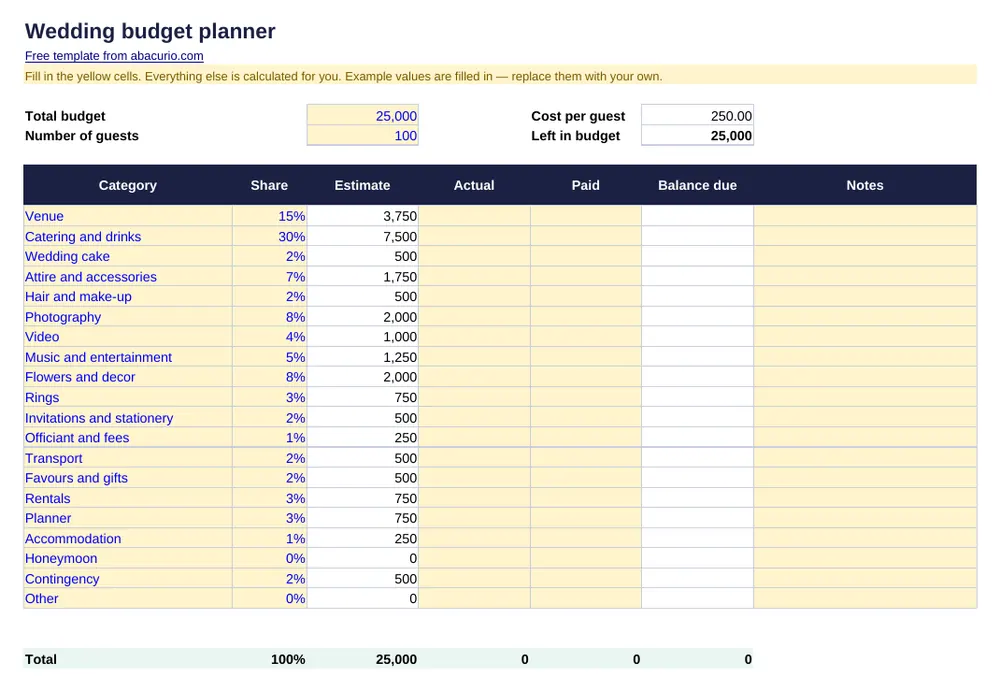 Wedding budget plannerWedding costs by category: estimate, actual, paid and balance due.
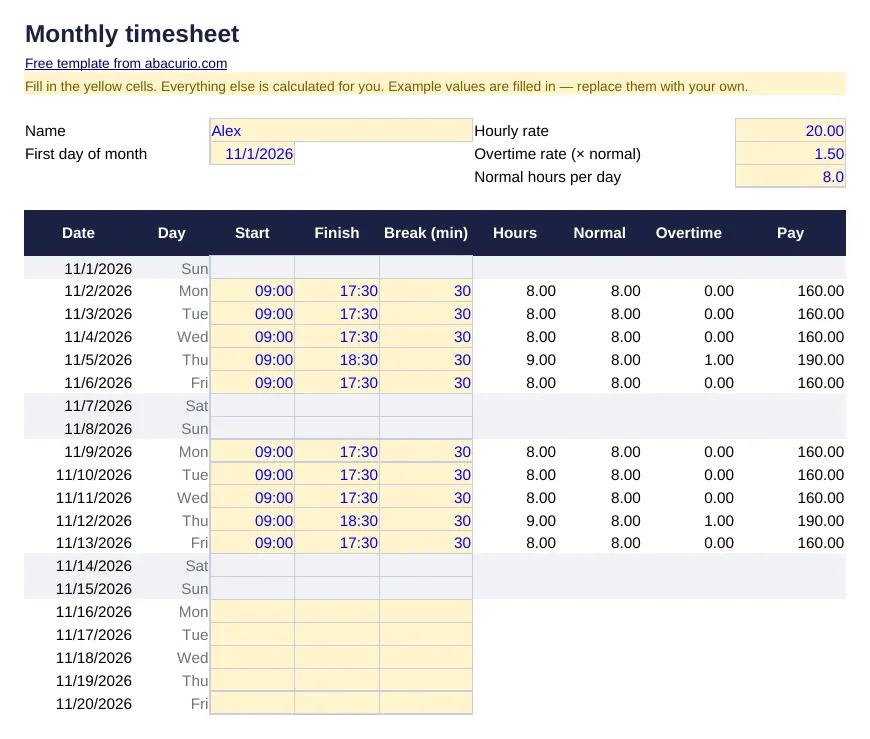 Monthly timesheetDaily start, end and breaks; hours, overtime and pay for the month.
Ads on this page help keep Abacurio and these templates free. Thank you for your support.