Free weight loss tracker (Excel & Google Sheets)
Enter your starting weight, goal and height, then log one weigh-in a week. The tracker shows how much you have lost, how far is left, your BMI and a chart of your progress.
Last updated: · By Furkan Çetinkaya · About & Methodology
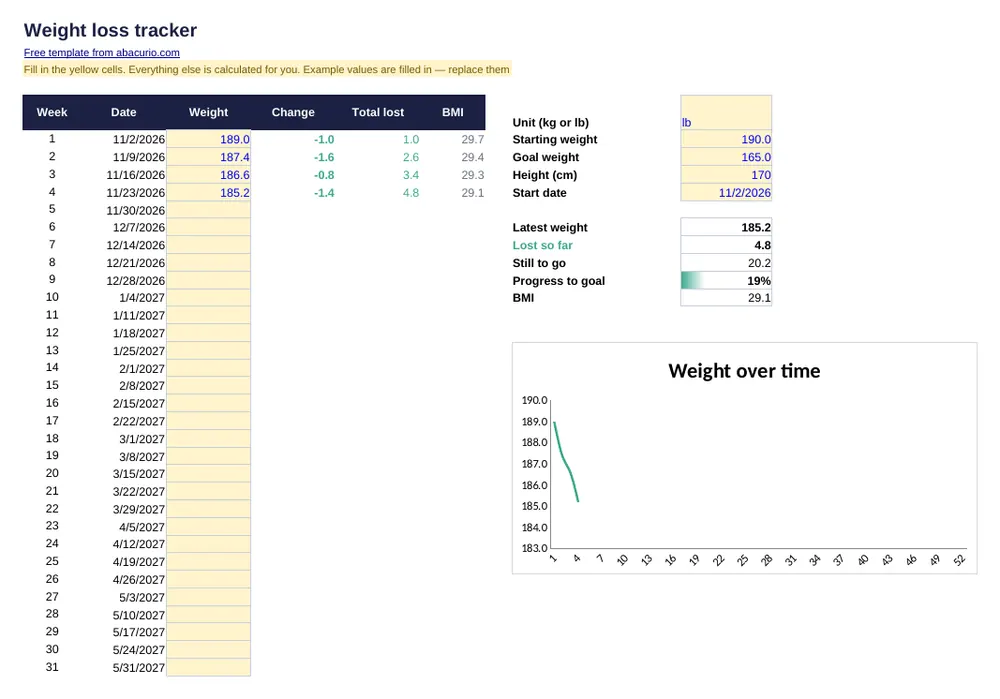
Weight loss tracker
Download template (11 KB)Printable PDF (39 KB)The file contains only formulas and example numbers — no macros, no links, nothing that connects to the internet.
What's inside
- 52 weekly weigh-ins with dates
- Change per week and total lost
- Progress bar to your goal weight and current BMI
- Weight chart that updates automatically
Prefer pen and paper? The printable PDF is the same layout, empty and ready to fill in by hand.
Inside the file
Sheet “Weight”
10 cells to fill in, 213 formulas
Columns and sections: Week · Date · Weight · Change · Total lost · BMI
Common questions
How often should I weigh myself?
Once a week, at the same time of day — ideally in the morning before eating — gives the clearest trend.
Does it work in pounds?
Yes. Type lb or kg in the unit cell; BMI is converted automatically. Height is always in centimetres.
Is there a printable version?
Yes — download the printable PDF next to the Excel button. It has the same layout, left empty so you can fill it in by hand.
More free templates
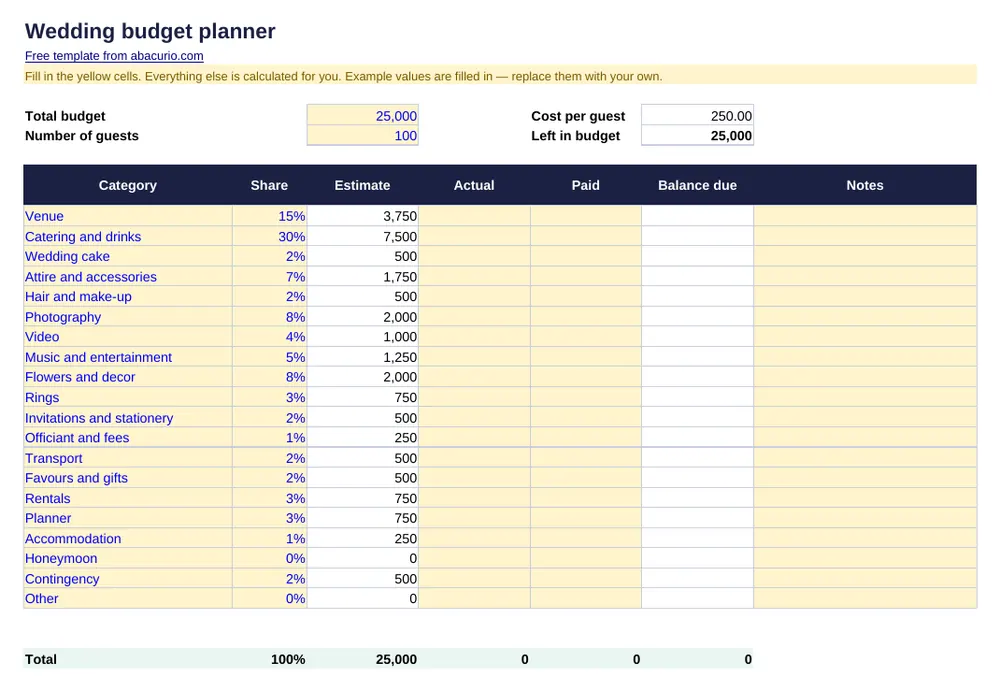 Wedding budget plannerWedding costs by category: estimate, actual, paid and balance due.
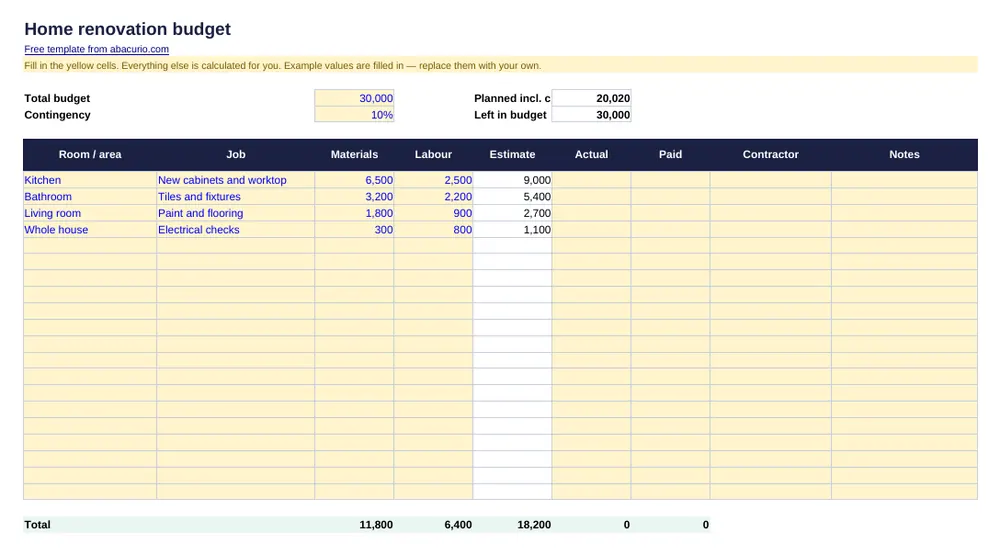 Home renovation budgetRenovation costs by room: materials, labour, actual and paid.
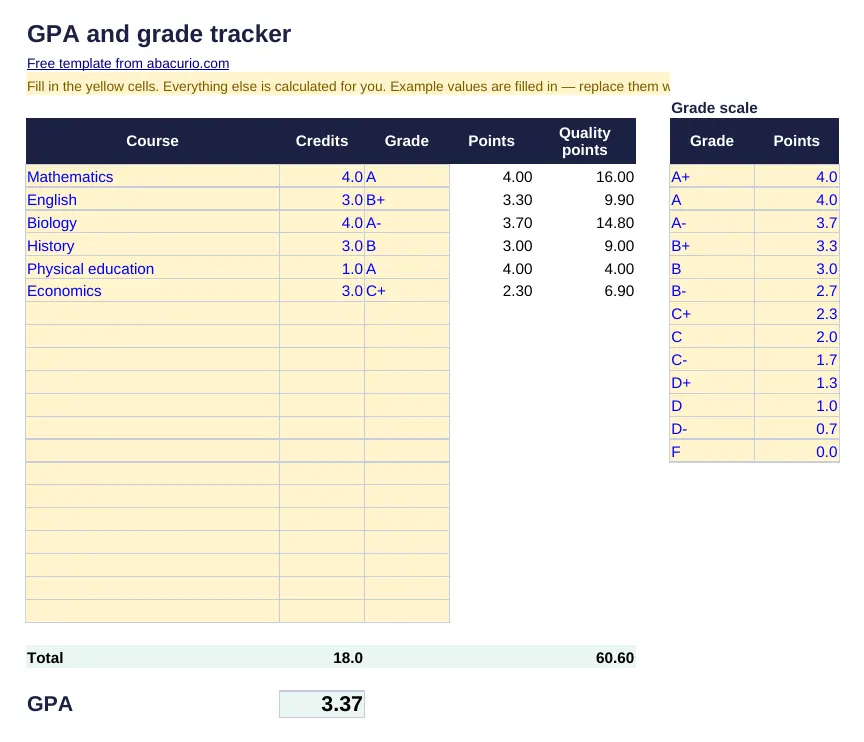 GPA and grade trackerCourses, credits and grades with automatic GPA.
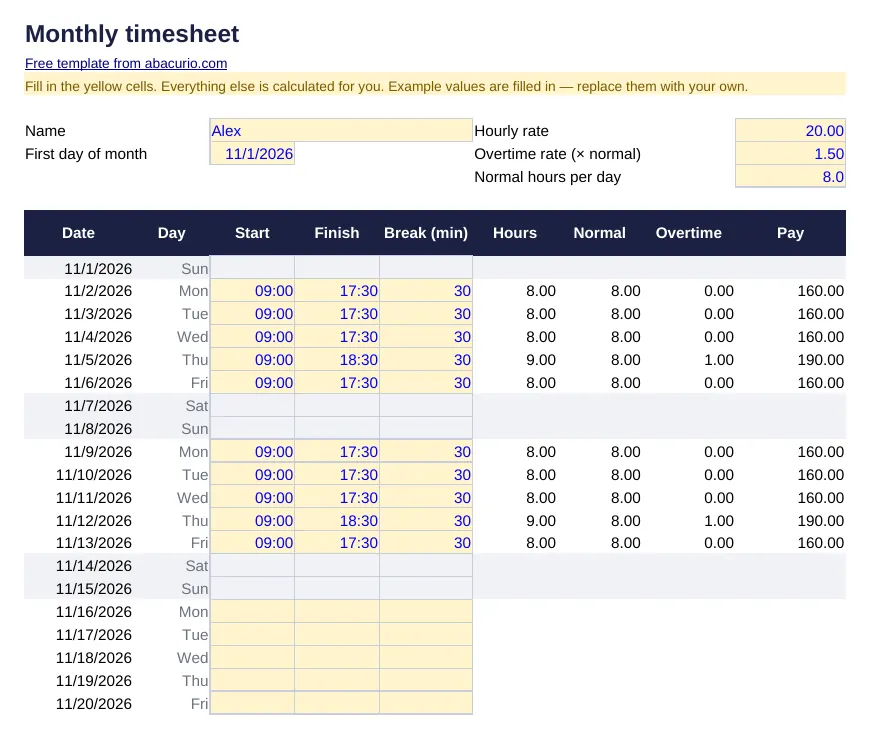 Monthly timesheetDaily start, end and breaks; hours, overtime and pay for the month.
Ads on this page help keep Abacurio and these templates free. Thank you for your support.